Does Google Classroom detect AI? What teachers can see
Google Classroom has no AI detector. Here's what its originality reports really check, which add-ons can flag AI, and what teachers see in Docs history.

Short answer
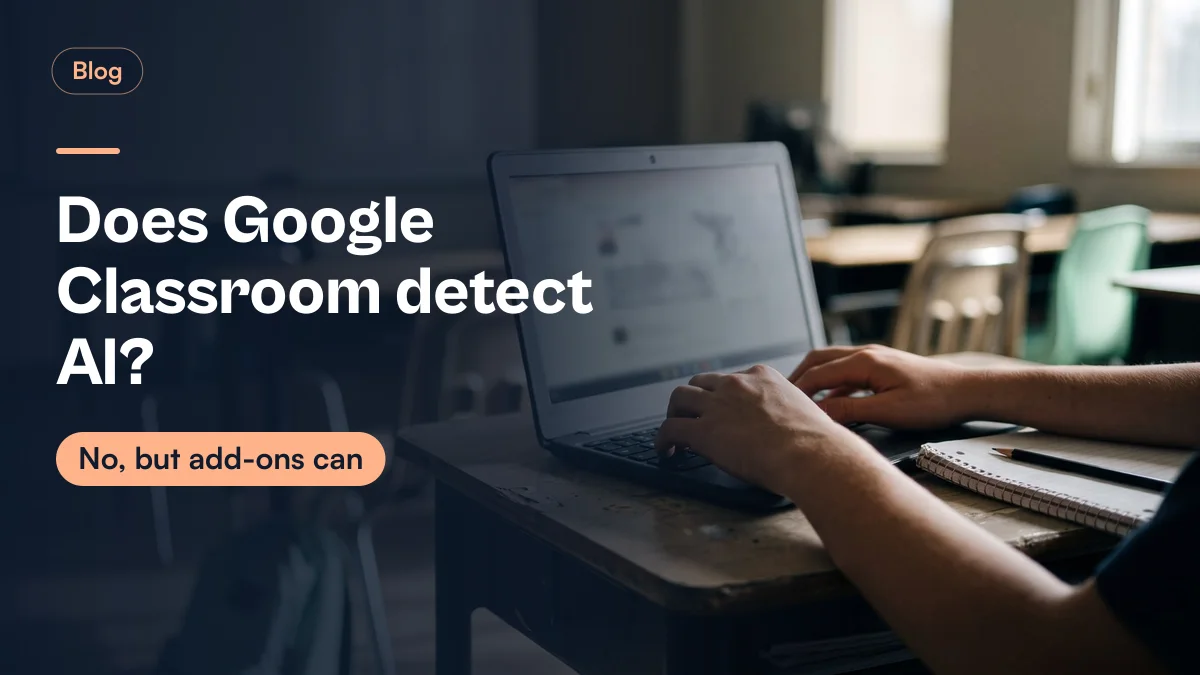
No. Google Classroom has no built-in AI detector. Its originality reports look for text copied from web pages and books, not for AI writing. Schools can add AI detectors such as GPTZero or Pangram, and teachers can usually open your Google Docs version history to see how your work was written.
On this page 6 sections
We checked Google’s Classroom and Docs help pages on November 23, 2026. This page explains what Google Classroom can and can’t see. It doesn’t give tips for getting past AI detectors.
Does Google Classroom have an AI detector?
No. Google Classroom has a plagiarism checker called originality reports, but it doesn’t check for AI writing. Google says the reports use Google Search to compare your work with web pages and books. AI tools write new sentences, so AI text usually doesn’t match anything, and the report can come back clean.
That doesn’t mean AI use can’t be spotted. It just means the spotting comes from other places: add-on detectors, version history and your teacher’s own reading.
What do originality reports check?
| Checks | Doesn’t check |
|---|---|
| Text that matches web pages and books | Whether AI wrote the text |
| Quotes and passages without a citation | Which apps or sites you used |
| Google Docs, Slides and Word files | Images, video or handwritten work |
| Past work from your school (paid editions only) | Your other open tabs |
A few limits from Google’s help pages:
- Free schools get 5. With Google Workspace for Education Fundamentals, a teacher can turn originality reports on for 5 assignments per class. The Teaching and Learning upgrade and Education Plus remove that cap.
- Students get 3 practice runs. When it is on, you can check your own work up to 3 times before you turn it in.
- Paid editions remember. Schools on the paid plans can also compare your work with past submissions from students at the same school.
Which AI detectors work with Google Classroom?
Schools that want AI checks add a separate tool. Common ones are GPTZero, Pangram and Originality.ai, which offer Google Classroom integrations or Google Workspace add-ons. Your teacher or school installs them; you won’t see them unless they tell you.
These tools give a score, not proof. Detectors are known to flag real human writing, especially short or very formal text. Our guides on why AI detectors flag human writing and free Turnitin alternatives explain how they work. See our GPTZero review for its accuracy and prices.
Can teachers see your Google Docs version history?
Usually, yes, and this is the check most students forget. When you hand in a Google Doc through Classroom, your teacher normally has edit access to it. That lets them open File > Version history and scroll through how the document grew. Chrome extensions such as Draftback can even replay the typing.
What stands out is a big block of polished text that appears all at once, with no drafts or edits before it. Normal writing shows small changes over hours or days.
Can Google Classroom see other tabs?
Not in normal use. Classroom can’t see your browser tabs, apps or search history.
The one exception is locked mode in Google Forms quizzes. It only works on school-managed Chromebooks. While the quiz is open, you can’t switch to other tabs or apps, and some shortcuts and extensions are turned off. If you leave and reopen the quiz, your teacher may get an email. Locked mode doesn’t work on a personal laptop or phone.
What should you do if you’re flagged for AI?
Stay calm and show your work.
- Open your document’s version history and save a few screenshots of the drafts.
- Collect your notes, outlines and sources.
- Ask your teacher for a short meeting and walk them through how you wrote it.
Canvas works in a similar way, so if your school uses both, read does Canvas detect AI too. For the bigger picture, see can teachers tell if you use ChatGPT, and if you want to use AI in an allowed way, our guide on how to study with AI without cheating shows how.
Questions people ask
Does Google Classroom check for ChatGPT?
Not by itself. Google Classroom's originality reports only compare your work with web pages and books to find copied text. AI-written text is usually new, so it won't show up as a match. An AI score only appears if your school adds a separate AI detector.
Do originality reports detect AI?
No. Google says originality reports use Google Search to compare your Google Docs, Slides or Word files with pages and books on the internet. They flag matching text and missing citations. They don't judge whether a person or an AI wrote it.
Can teachers see your version history in Google Docs?
Usually yes. Teachers normally get edit access to files you hand in through Classroom, so they can open File, then Version history. It shows when text was typed or pasted. A whole essay pasted in at once stands out.
Can Google Classroom see what tabs you have open?
No, not in normal use. The exception is a Google Forms quiz in locked mode on a school-managed Chromebook. Locked mode stops you from opening other tabs or apps, and your teacher may get an email if you leave and reopen the quiz.
How many originality reports can teachers run?
With the free Google Workspace for Education Fundamentals, teachers can turn on originality reports for 5 assignments per class. Schools with the Teaching and Learning upgrade or Education Plus get unlimited reports. Students can run up to 3 checks before turning work in.
What if I'm wrongly flagged for AI?
Show your process. Share your drafts, notes and the Google Docs version history, and ask your teacher for a short meeting. AI detectors are known to flag some human writing, so a score alone isn't proof.
Sources
- Run an originality report on your work (Google for Education Help)
- How an originality report is created (Google for Education Help)
- Turn on originality reports (Google for Education Help)
- Use locked mode for quizzes (Google Docs Editors Help)
- Pangram AI Detection (Google Workspace Marketplace)
- GPTZero LMS integrations
- Originality.ai for Google Classroom